iPad, meet digital photography:
Digital photography, meet iPad.
|
Actions you interact with and tweak endlessly.
Actions that make panoramic images from movie pans.
Actions that upgrade marginal images into 'Holy cow!' Actions that pick up where Photoshop functions leave off.
Actions that shatter the glass covering the shot--no glass needed. Actions that you learn to make, modify and keep. Actions that blur the distinction between reality and fantasy. Actions that prep images for BW printing. Actions that reduce noise. Actions that push-process ISO—off a cliff. Actions that lift shadow detail. Actions that
Actions that turn your HDSLR into a slit-scan camera. Actions that perform corrections finer than similar utilities built into Photoshop CS5 (chromatic aberration reduction, for instance). Actions that teach view-camera skills. Actions that sell images. Actions that produce exotic film frames. Actions that Actions that reveal the vision that made you trip the shutter in the first place.
Actions that produce very good faux infrared B&W from color shots. Actions that shrink your scenes into table-top models. Actions that remove flicker from movies, time-lapse scenes, auto exposure failures and operator errors. Actions that cross the line while dotting the eye. Actions that clean up after Photoshop's rare muddles. Actions that paint your image with a brush. Actions that scrawl And, of course, many more.
|
||
 |
||
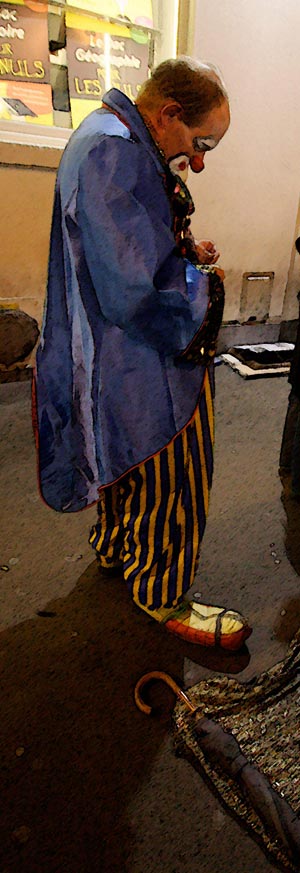
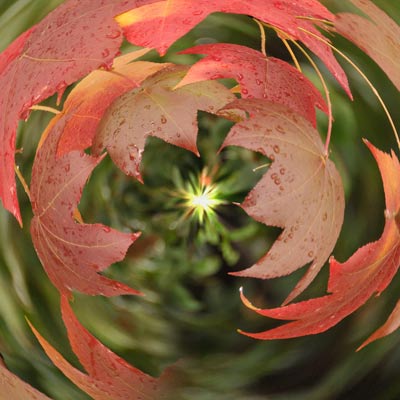
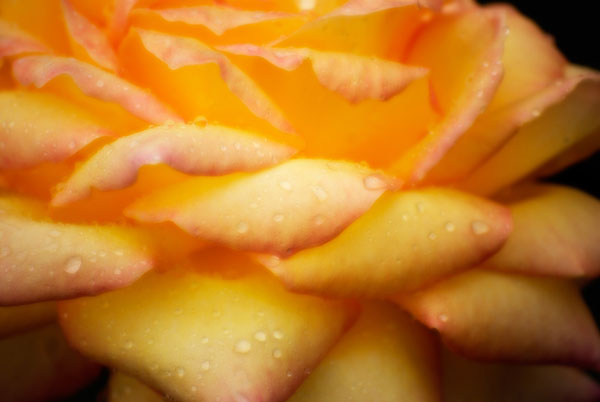
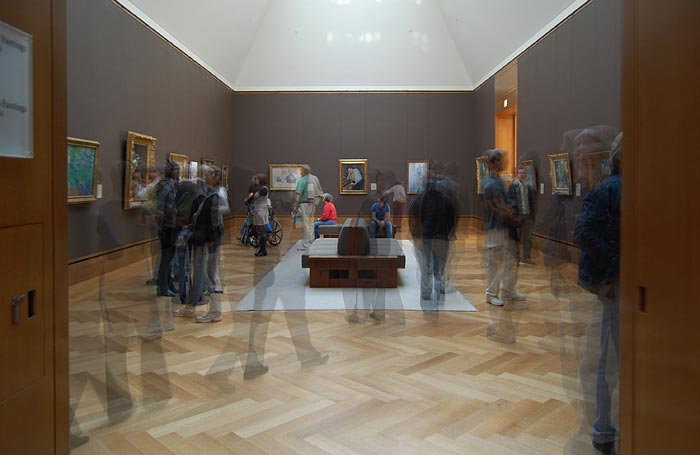
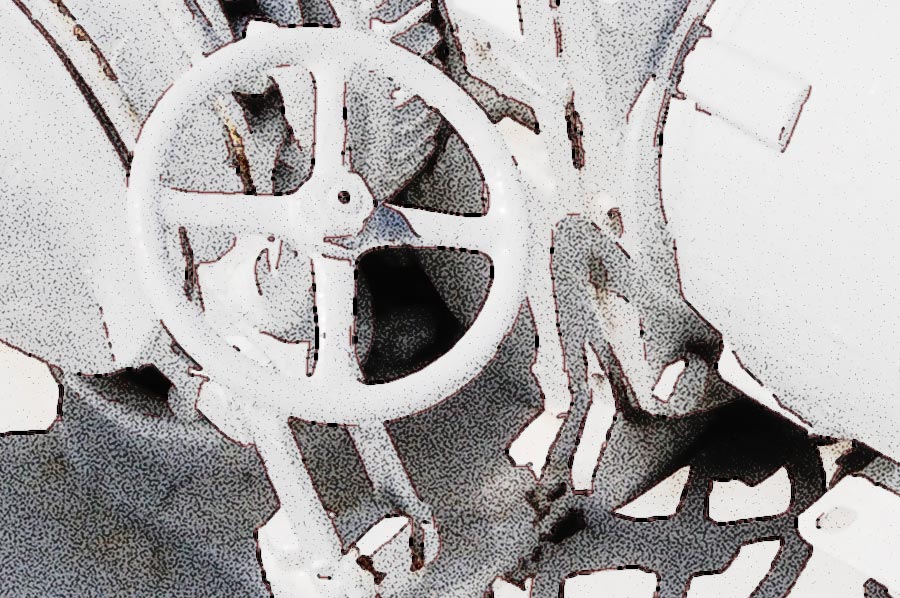
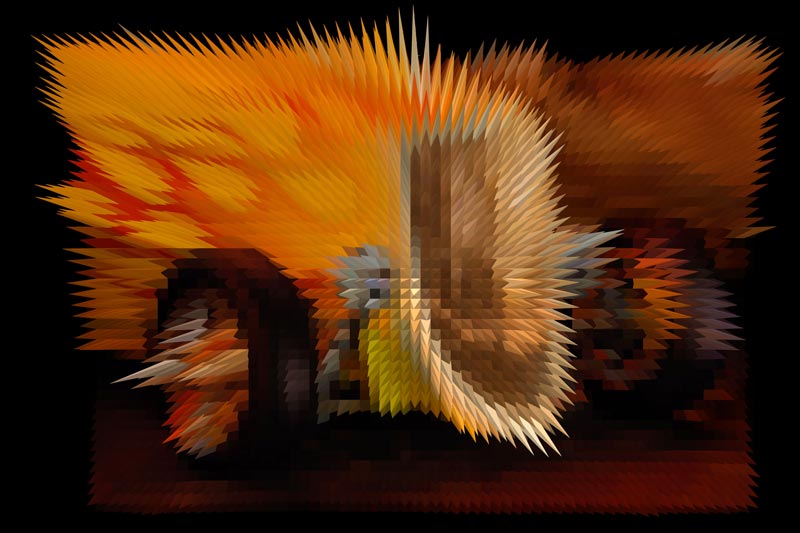
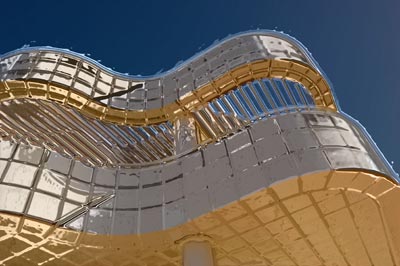
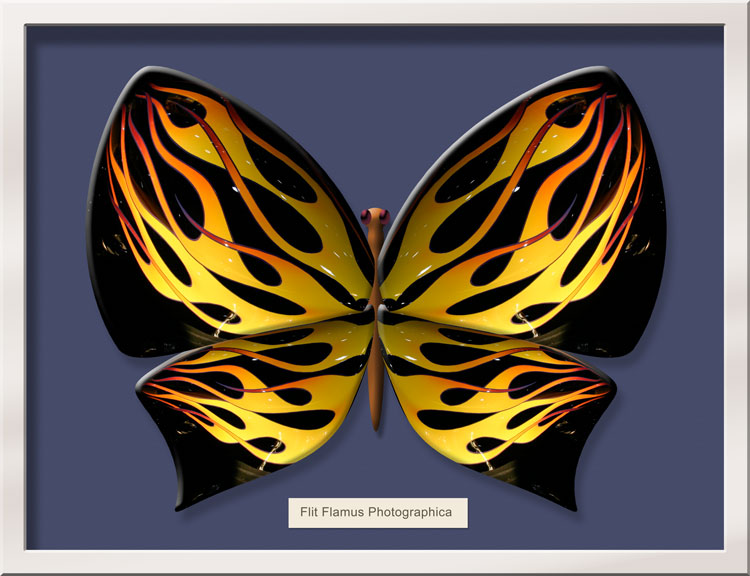
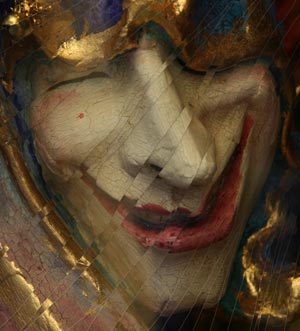
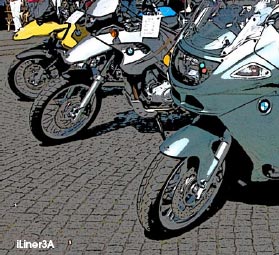
The hot rod has gone all prickly. The clown is a painting. The flower is aglow. The Getty has been encrusted in blister pack. The leaves are being sucked into a rift in space/time. A gallery of viewers is seen in a time-lapse still (handheld, too). Although iButterfly+Box (below) is most often used for portraits--especially for kids--it does lend itself to other illustrative purposes, here made with a detail from a motorcycle. Rollover the image for a different automotive interpretation. Click for the variation that may get your tongue. |
|
|
|
Rollover / Click:
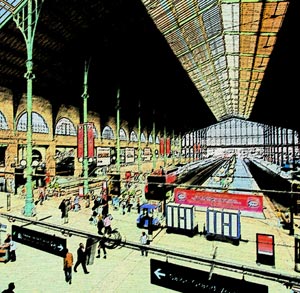
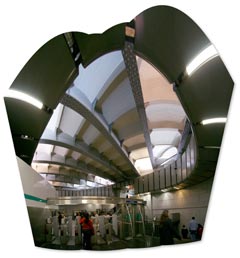
A carnet is a book of tickets in the Paris Metro, sold for one flat fee. In the iLiners -series, an extra Action, iLinerCarnet, runs all the variations at once, for a book of results from one flat click. Two minutes later, all eight finals end up on the History Palette, ready for you to pick out the one you like best. Click on the image to go to the special iLiners page. |
||
|
DOWNLOAD THE WHOLE EBOOK HERE!
|
||
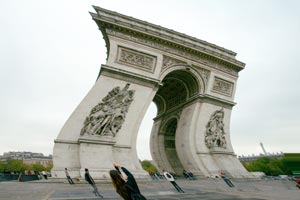
 Here you will find: Actions that straighten geometry--or ruin it. Actions that expand dynamic range. Actions that add cross star effects to moving HD scenes.
 Actions that repair broken white balance. Actions that reduce chromatic aberration. Actions that do away with image-chip dust.
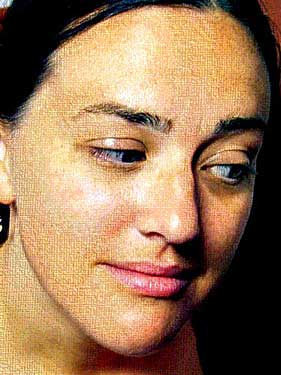
  Actions that strip ten years off your subject without harming a hair on her head. Actions that let you grade movie clips. Actions that convert today's shots into silk-screen prints on rice paper c. 1894.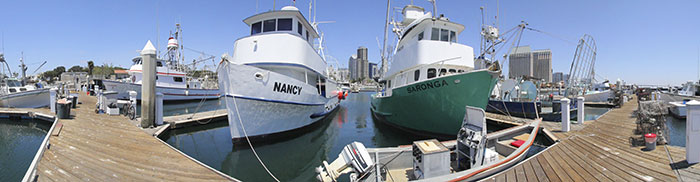
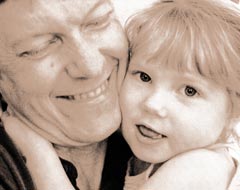 Actions that scrub out JPEG compression artifacts. Actions that turn photos into oil paintings. Actions that replace glass filters. Actions that transform movies into airbrush art.
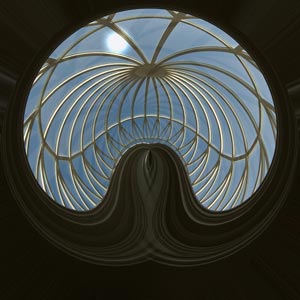 Actions that put many of Photoshop's Filter effects on legal steroids.
 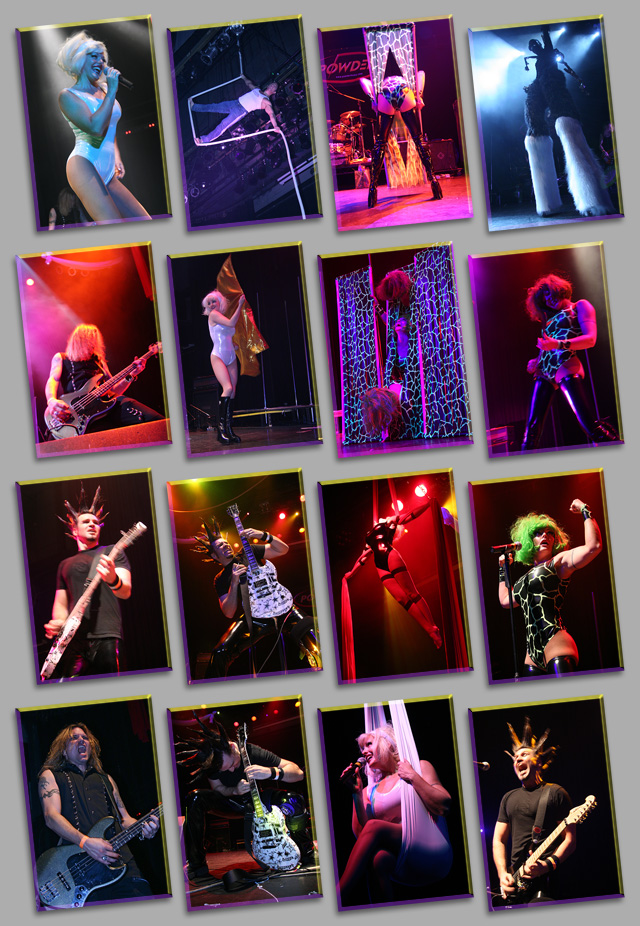 Actions that rework images into scene treatment fx from movies. Actions that add cross star effects: four point, six point, asymmetrical and scratch! Actions that vignette and un-vignette. Actions that combine images on a page. Actions that make photo storyboards out of collections of your images.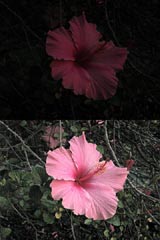
 flatten barrel distortion, even complex moustache distortion. Actions that automatically airbrush your photos. Actions that add tuneable grad filters to your images. Actions that do things previously considered hard, very hard, enormously difficult and freakin' impossible.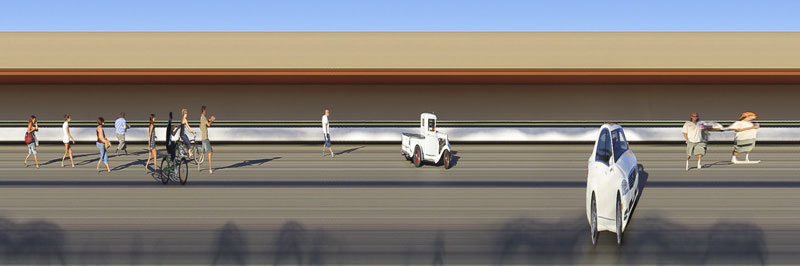
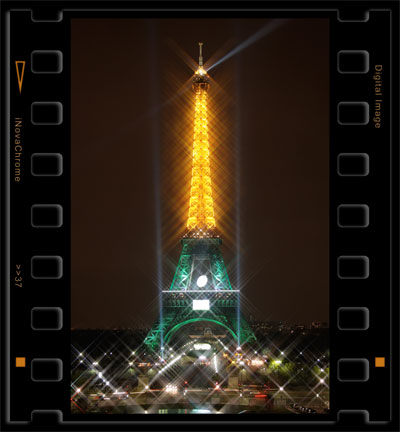 Actions that facilitate panoramics. Actions that create graphic illustrations. Actions that bring Hollywood visual effects to your stills and movie scenes. Actions that embed your image in a 35mm film frame. Actions that paint with watercolors.
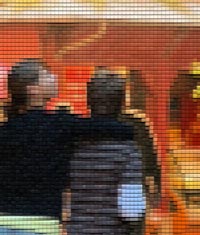 make portraits into treasures. Actions that turn images into neo-photo-impressionism. Actions that contain over 200 steps. Actions that turn a photo into a butterfly supergraphic?
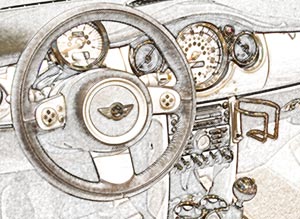 Actions that simulate Lens Baby™ effects with ANY lens. Actions that make halo filter effects. Actions that imitate early color film. Actions that make photos museum-ready. Actions that polarize your skies!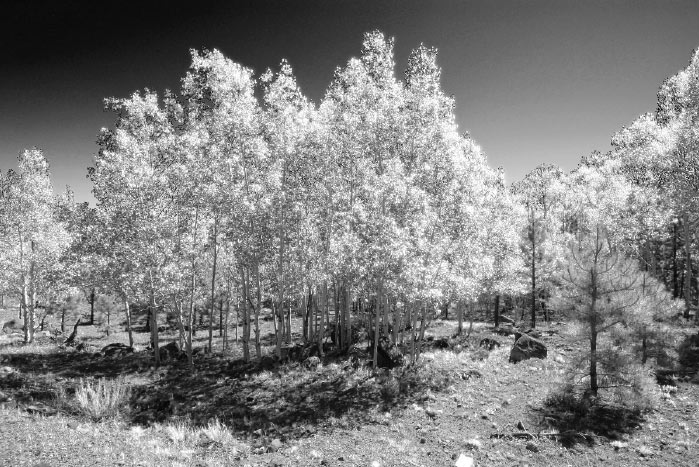
 draw your image with a pen. Actions that
 create true lens-behavior blur, offset and coma blur.
 your image with a crayon. Actions that sketch your image with a grease pencil. Actions that increase your photographic vocabulary.